Game Jams
Choose a game:
Spelltacular Smoothies
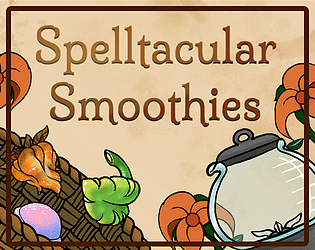
Spelltacular Smoothies was made for Cozy Spring Jam 2024
Software used: Blender, Zbrush, Substance Painter, and Unreal Engine
We had a nine person team and I was in charge of the background environment art. Since we had a lot of people with different specialties, especially 2D based art specialties, we decided to take inspiration from the show The Amazing World of Gumball which uses 2D characters and 3D backgrounds.
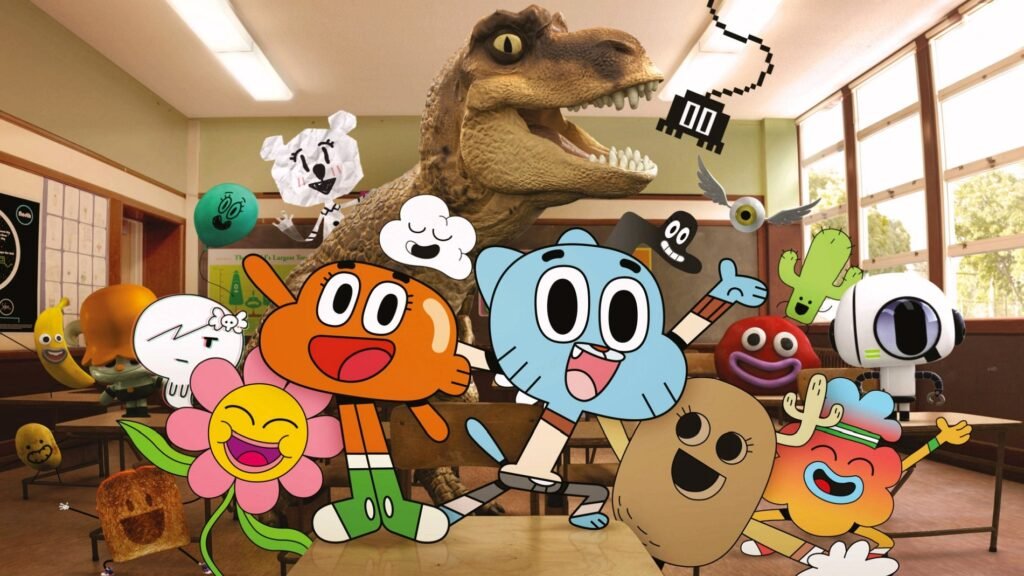
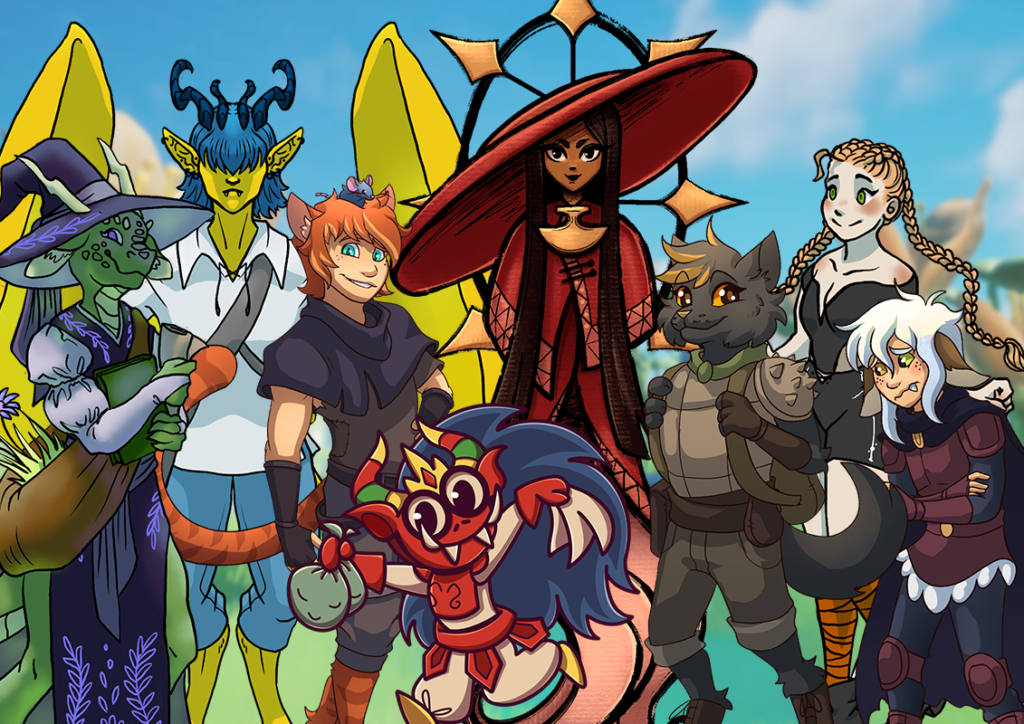
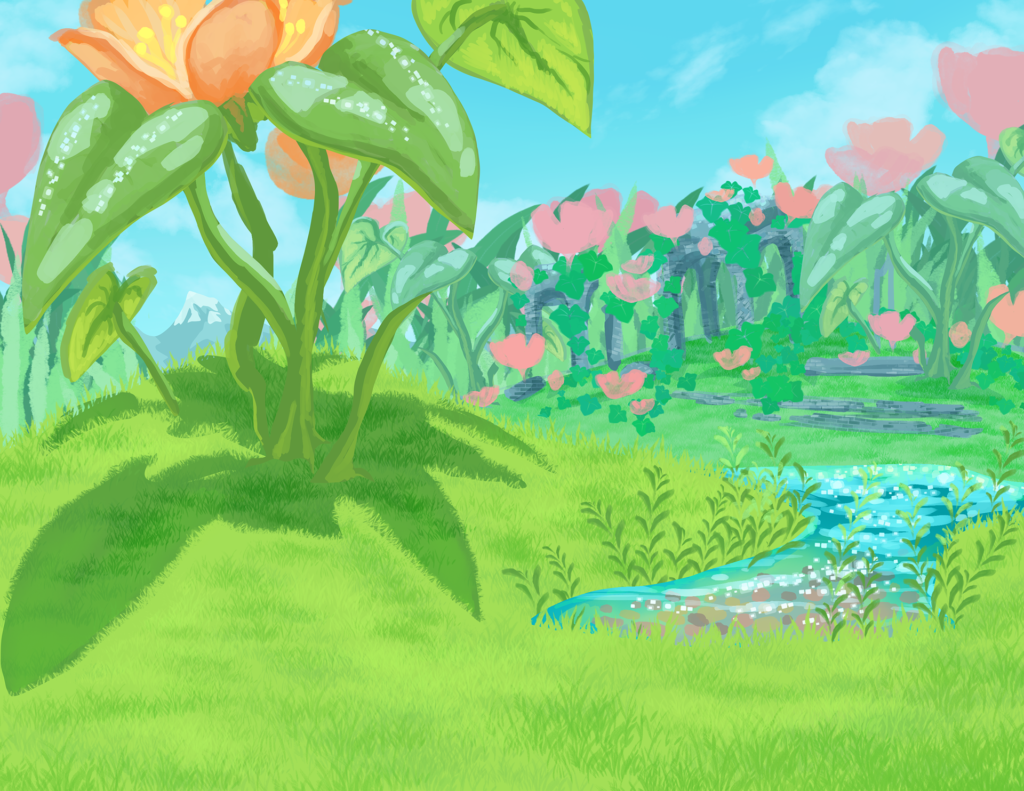
The environmental concept art made by Grace Rigoni.
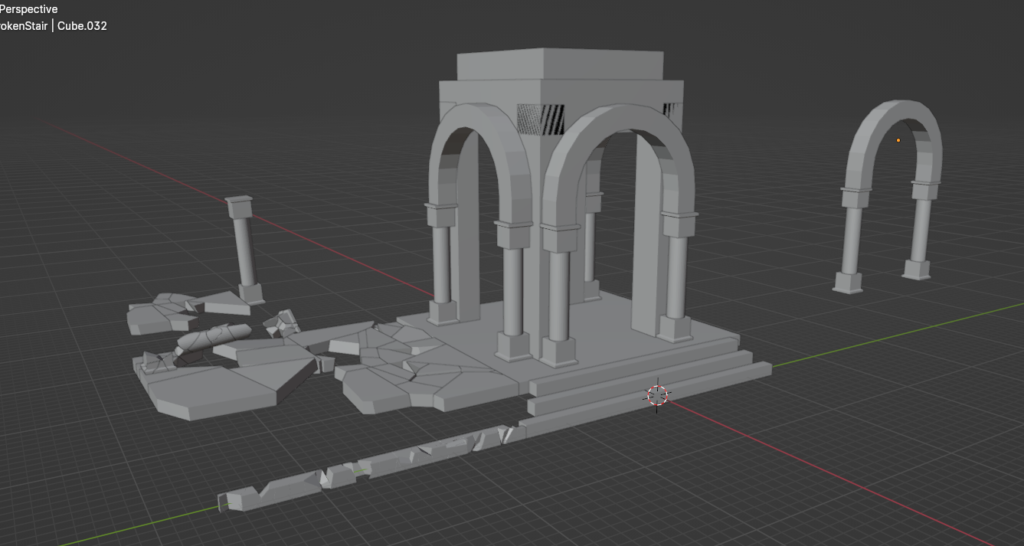
I started by making a quick block out of the ruins in Blender and made the high poly in Zbrush. When I was ready to move on, I used Substance Painter to hand paint the assets.
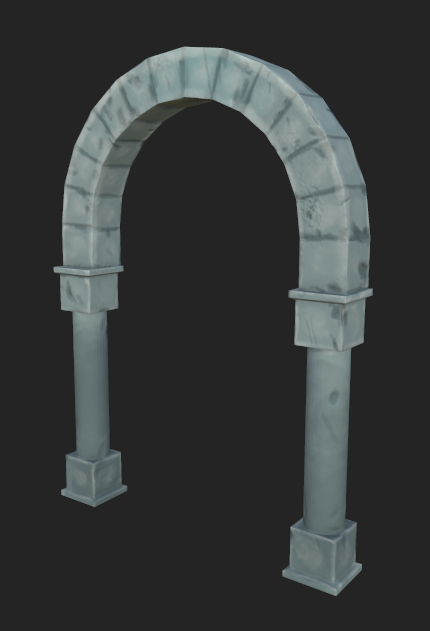
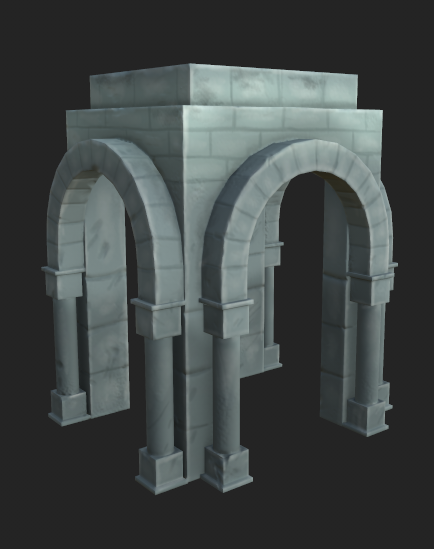
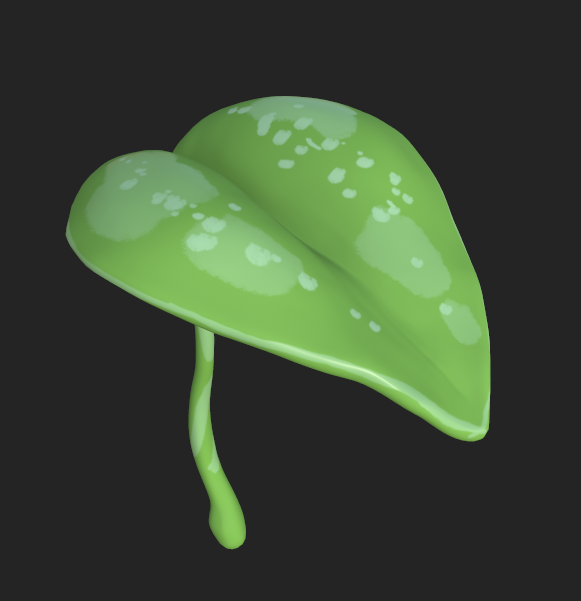
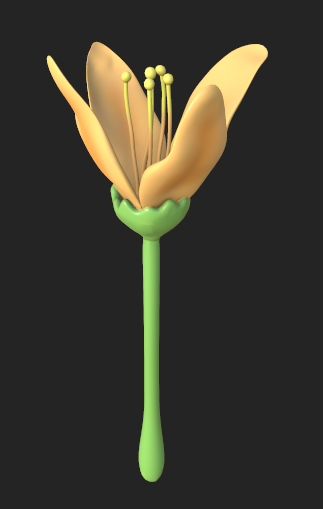
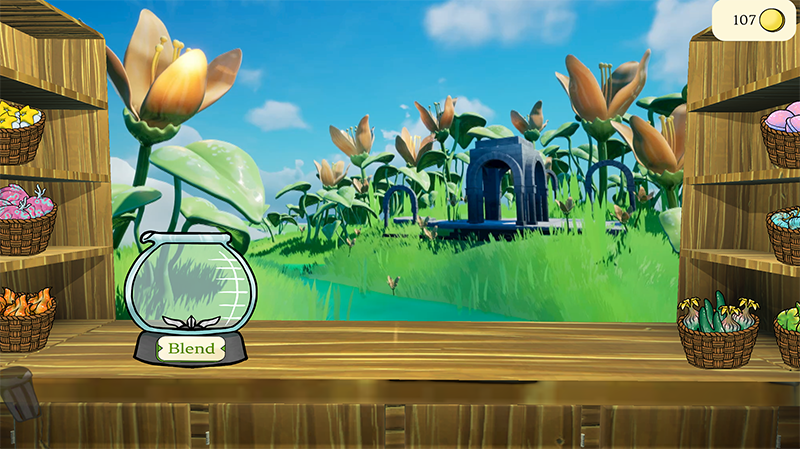
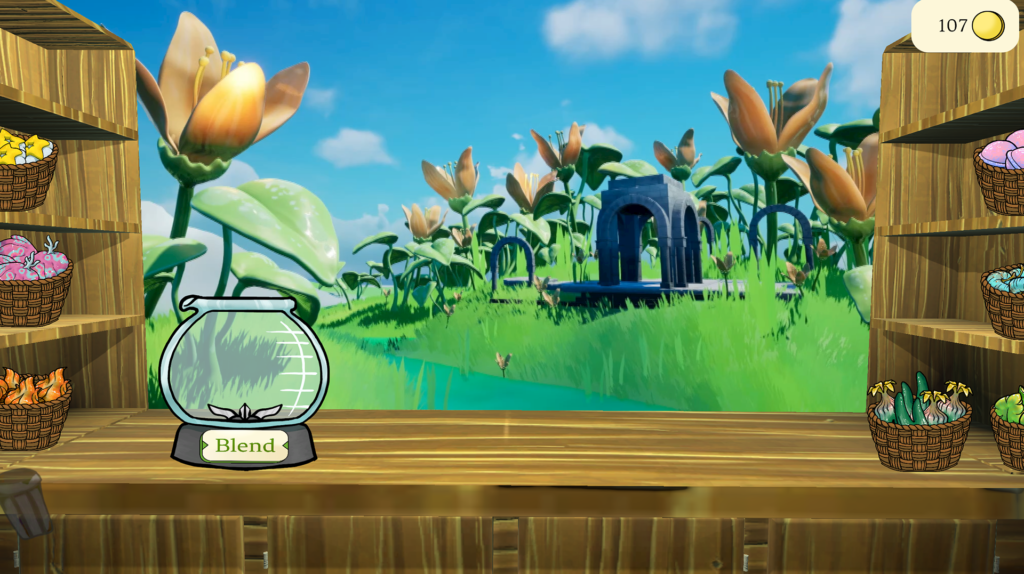
The game itself was being made in Unity. The team wasn’t initially sure of how to add a 3D background to a 2D game. Eventually, we decided the easiest way to do it would be to add the environment as a video playing behind the 2D smoothie stand. Luckily, creating environment videos was something I already had a lot of experience doing for creating ambience videos.
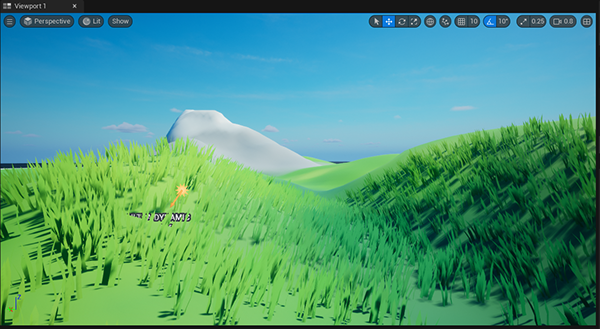
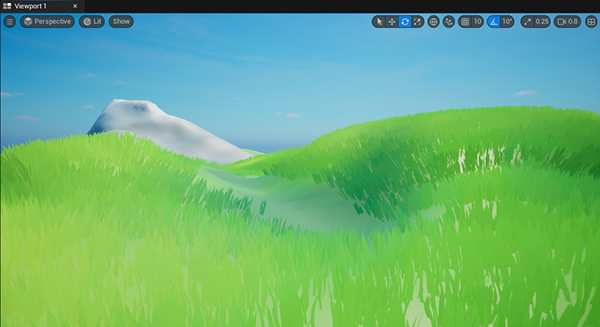
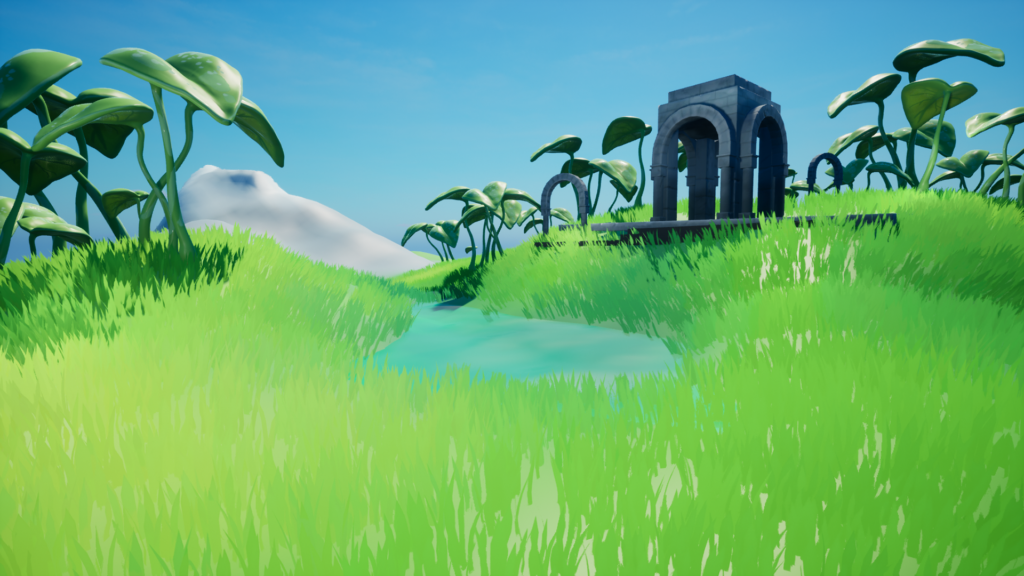
I used Unreal Engine 5 to create the landscape. I used Ultra Dynamic Sky to create the realistic moving clouds for the scene. I then edited the video so it wouldn’t be very noticeable when it looped.
Cafe Blaire
Or, How I Used my 3D Experience to Create a 2D Game
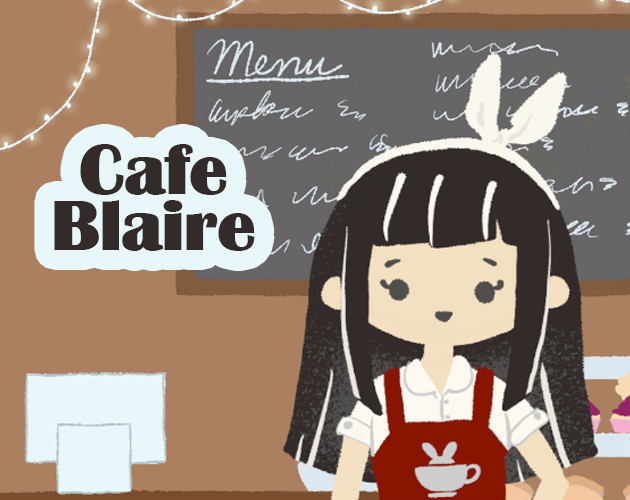
Made as part of the Indie Game Academy’s Level 1 Visual Novel Bootcamp
Play the game at: https://rachelleart.itch.io/cafe-blaire
Software used: Blender, Photoshop, Clip Studio Paint, Ink (a Unity add-on), and Unity
I stepped into this bootcamp with zero experience with C#, Ink, and very little experience with Unity. By the end, I was able to make this entire game!
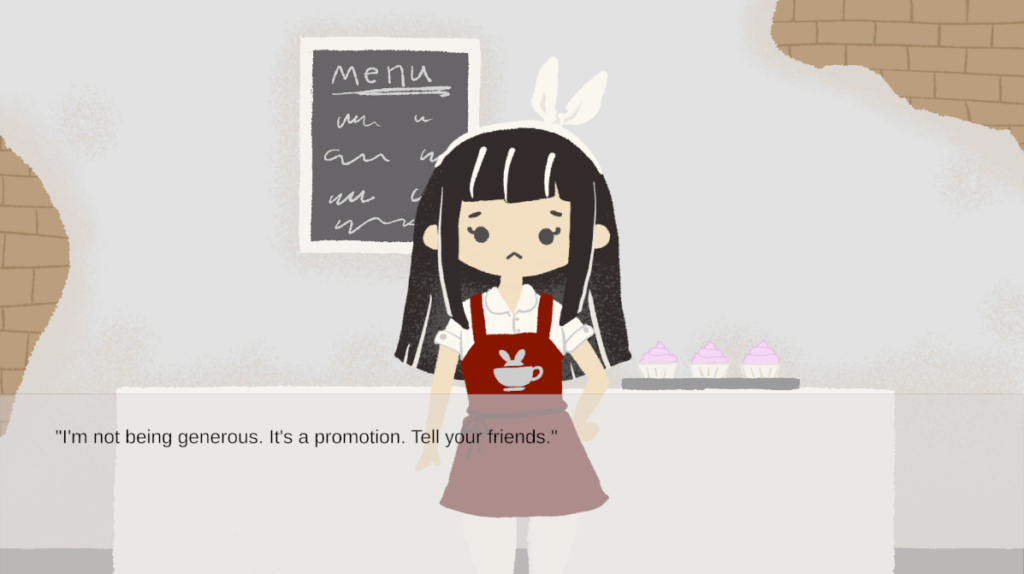
Cafe Blaire takes place at a rundown cafe. You play as Blaire and with the help of loyal customers, you transform your cafe and make a new friend (or boyfriend) along the way.
Since I have experience with illustration, I was confident in that aspect and chose a very simple style since I only had a week to make this game. I also wanted the style to reflect the cozy and lighthearted vibe of this game.
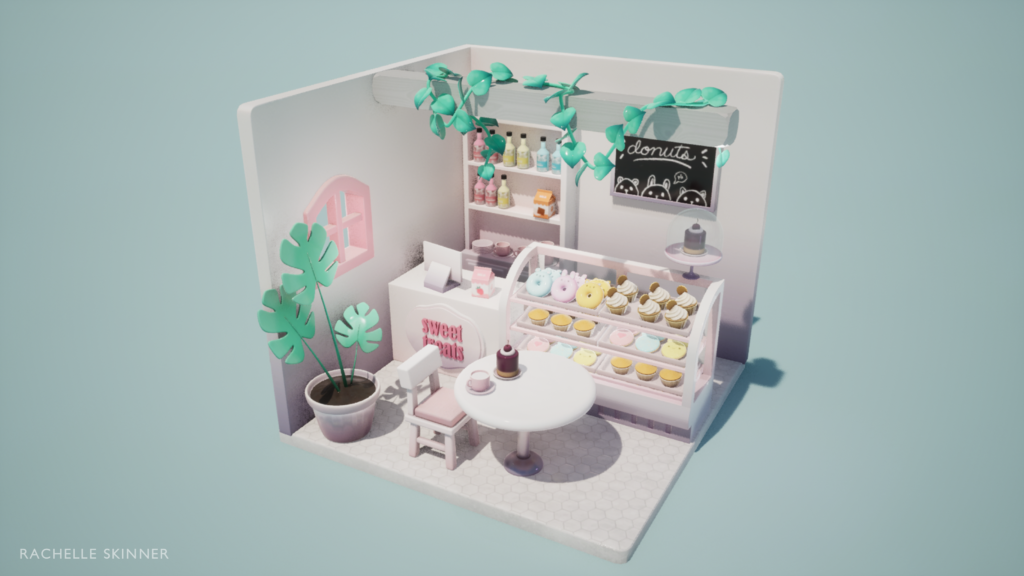
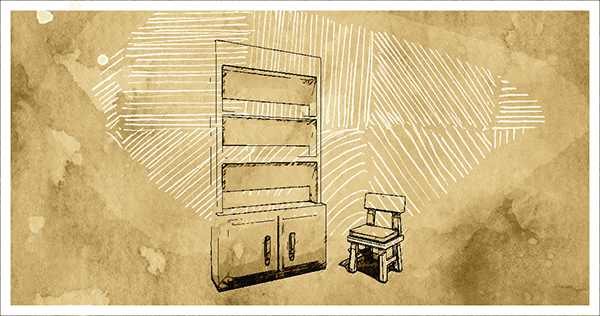
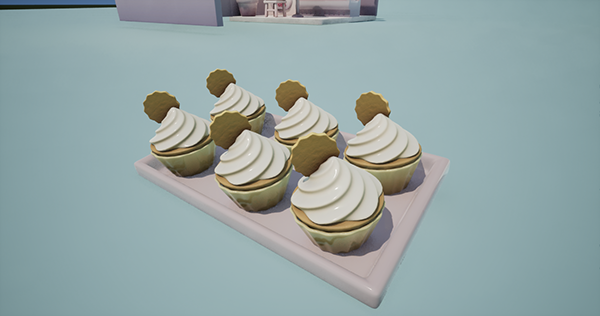
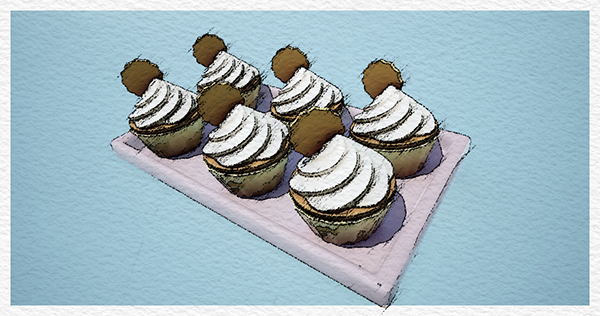
Before this bootcamp, I had happened to make a little isometric bakery in Blender as a personal project so I used my 3D assets from there to create the 2D art backgrounds. I simply arranged the assets in Blender, snapped the view to what I needed it to be and began drawing over it in Clip Studio Paint and Photoshop.
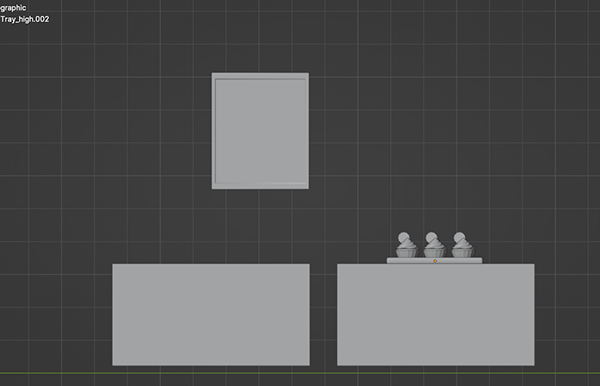
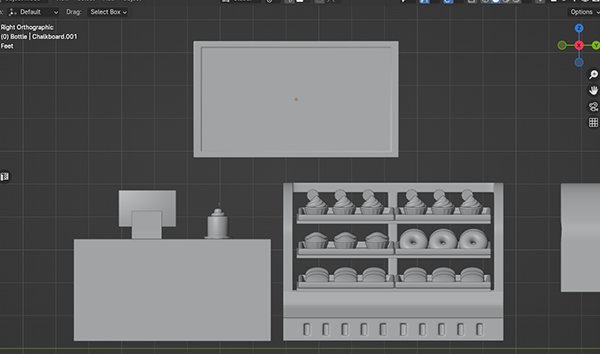
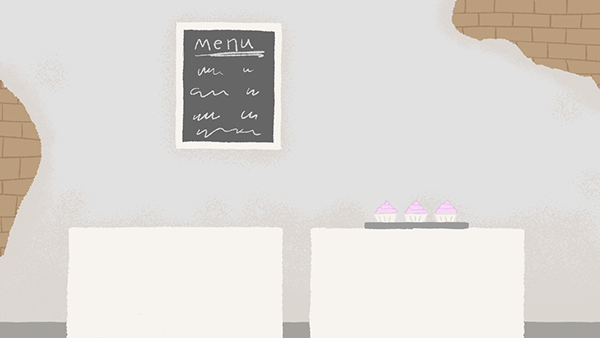
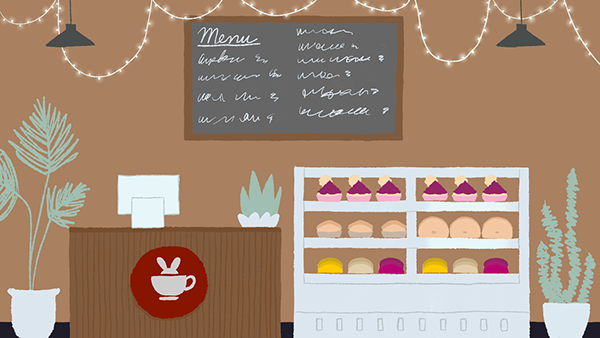
In the game, there are times where you have to decide who to work with. I created a stylized photo in Photoshop using my 3D art to represent the activity.
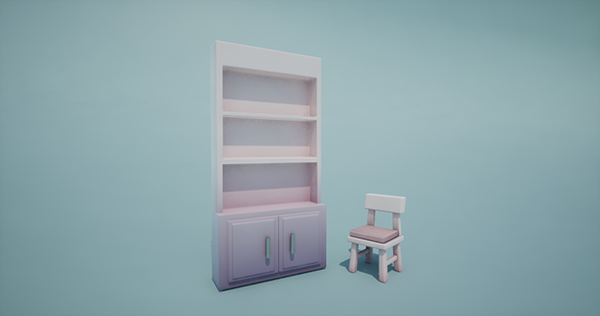
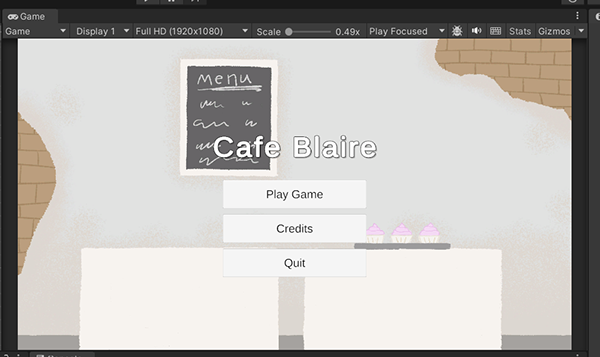
I also went one step further and found a tutorial that helped me create a proper main menu and credits scene for the game.
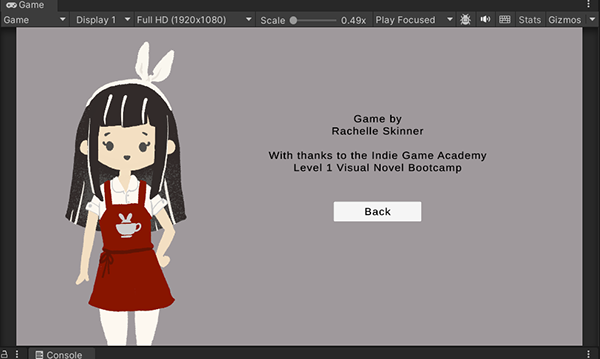
The bootcamp gave us a lot of resources to learn from and I feel confident and excited about using Unity to make another 2D game in the future.